
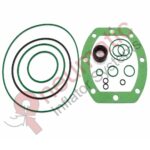

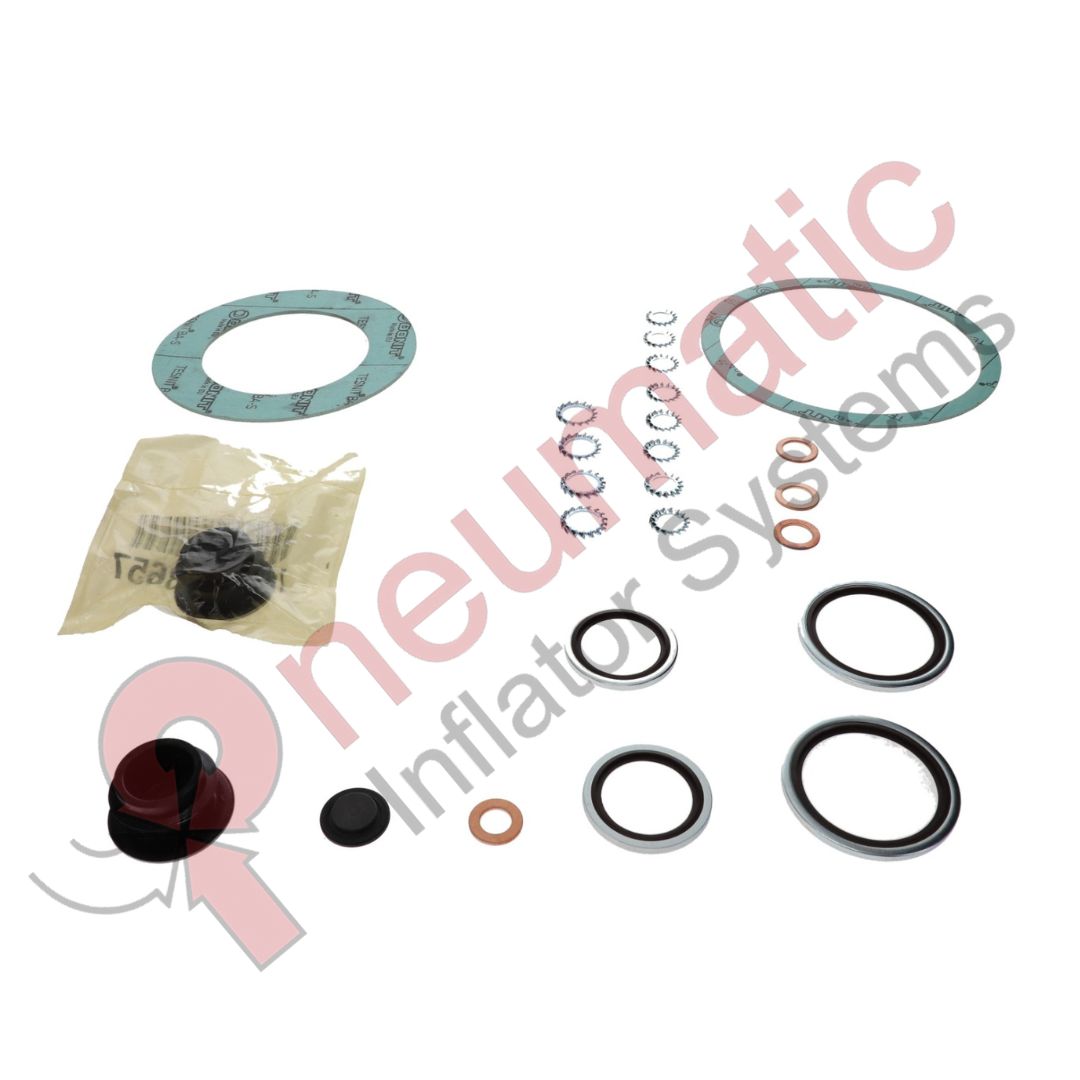
Atlas Copco HP Element Mounting Kit Replacement – 2906008000
Description
The Atlas Copco 2906008000 HP Element Mounting Kit is used to correctly install and secure the high-pressure (HP) compressor element. The mounting components help maintain proper positioning, alignment and sealing of the HP element during compressor operation.
The HP element receives pre-compressed air from the LP stage and performs the second stage of compression. Proper mounting is important for smooth rotation, reliable sealing and long service life.
Working Process
- LP Compression – Air is initially compressed in the low-pressure stage.
- Intercooling – The partially compressed air is cooled before entering the HP stage.
- HP Element Installation – The HP element is positioned inside its housing using the mounting kit.
- Alignment – Mounting components maintain the correct shaft and element alignment.
- Sealing – Associated sealing components help prevent air leakage.
- Rotation – The drive system rotates the HP element smoothly.
- Final Compression – The HP element further compresses the air to the required pressure.
- Continuous Operation – The mounting assembly maintains the element’s position during continuous compressor operation.
Main Functions
- Securely mounts the HP compressor element.
- Maintains proper shaft alignment.
- Supports stable element operation.
- Helps prevent compressed-air leakage.
- Reduces mechanical stress and vibration.
- Supports reliable HP-stage compression.
- Facilitates HP element maintenance and replacement.
Possible Failure Symptoms
Incorrect or worn mounting components may contribute to:
- Excessive vibration.
- Abnormal compressor noise.
- Element misalignment.
- Air leakage.
- Increased bearing or shaft wear.
- Reduced compression efficiency.
- Premature HP-element damage.
Maintenance / Installation Procedure
- Shut down the compressor according to the applicable Atlas Copco service procedure.
- Isolate the electrical supply and fully depressurize the compressor.
- Allow the equipment to cool.
- Remove the required HP-stage covers and connections.
- Remove the existing HP element/mounting components.
- Inspect the housing, shaft and mounting surfaces.
- Clean the mating surfaces.
- Position the HP element correctly.
- Install the components supplied with 2906008000.
- Check the element and shaft alignment.
- Verify free shaft rotation.
- Tighten mounting hardware according to the applicable Atlas Copco specifications.
- Reconnect all air and service connections.
- Restart the compressor.
- Check for abnormal vibration, noise and leakage.
- Verify normal discharge pressure and operating temperature.
Technical Summary
| Specification | Details |
|---|---|
| Part Number | 2906008000 |
| Alternative | 2906-0080-00 |
| Brand | Atlas Copco |
| Description | HP Element Mounting Kit |
| Application | Z-series oil-free compressors |
| Stage | High Pressure (HP) |
| Type | Element mounting/service kit |
| Primary Function | HP element mounting and alignment |
| Main Benefit | Secure, correctly aligned HP element |
Recommended catalog title:
Atlas Copco 2906008000 – HP Element Mounting Kit for Z-Series Oil-Free Compressors, 2906-0080-00.
Atlas Copco’s current Web Shop also lists 2906008000 as a Service Kit and gives a kit weight of approximately 997.9 g; parts catalogs provide the more specific description “KIT, ELEMENT MOUNTING HP.”
Related parts:
- 2906008100 – Gear Casing Seal Kit
- 2906008200 – Oil Cooler Kit
- 2906008300 – Oil Pump Kit
Compatibility note: Verify the exact compressor model and serial number before ordering, as Atlas Copco Z-series configurations can vary.
Disclaimer: All manufacturer names, trademarks, model numbers, and part numbers are used solely for identification and compatibility purposes. Our products are high-quality aftermarket replacement products and are not manufactured, sponsored, endorsed, or authorized by the original equipment manufacturer (OEM). All trademarks remain the property of their respective owners.

Reviews
Clear filtersThere are no reviews yet.